Simple Exploding Blocks > 2D

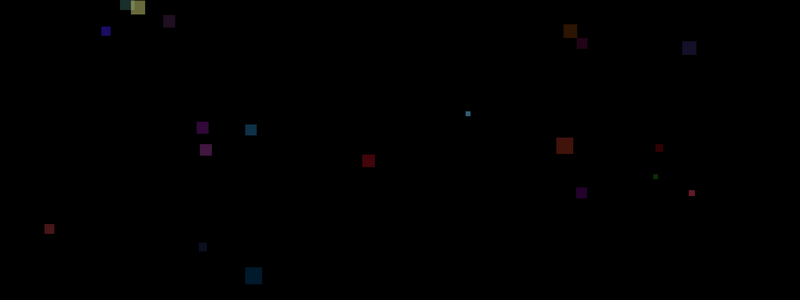
This is an easy way to create an illusion of blocks exploding using a slices of structs that contain fade, color, rectangles and movement direction. Pressing SPACE key will create a slice of smaller blocks with random directions that fade away. Once the timer ends then it will reset and create more blocks. View on Github

Before you start
I am a self taught Go programmer and do it as a hobby, the code below is my own interpretation of how to do something, probably not the only way or the best way. This is intended as a resource to learn some basic Raylib and Go game dev skills. If you want to use any of the code anywhere else, feel free to do so.


Simple Animated Character > 2D

This demonstrates a simple animated sprite character as you would use in a 2D platformer game. To complete this example you will need to download the sprite sheet here. UP key to change zoom, DOWN key to change color, RIGHT key to increase speed and LEFT key to decrease speed. View on Github

Before you start
I am a self taught Go programmer and do it as a hobby, the code below is my own interpretation of how to do something, probably not the only way or the best way. This is intended as a resource to learn some basic Raylib and Go game dev skills. If you want to use any of the code anywhere else, feel free to do so.


Pixel Noise (Screen Artifacts) > 2D

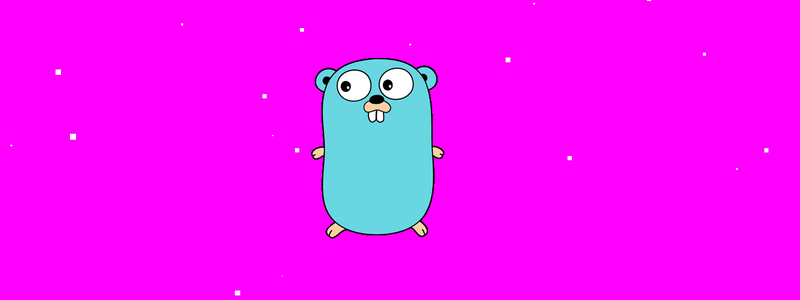
Simulates pixel noise, or old movie-type screen artifacts, with color and size change. To complete this example you will need to download the Go gopher image here. UP arrow key to change pixel noise color, DOWN arrow key to change background color and RIGHT/LEFT arrow keys to increase/decrease pixel noise size . View on Github

Before you start
I am a self taught Go programmer and do it as a hobby, the code below is my own interpretation of how to do something, probably not the only way or the best way. This is intended as a resource to learn some basic Raylib and Go game dev skills. If you want to use any of the code anywhere else, feel free to do so.


Snowflakes Falling > 2D

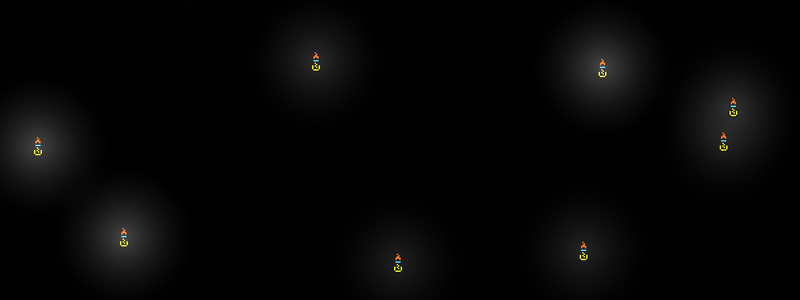
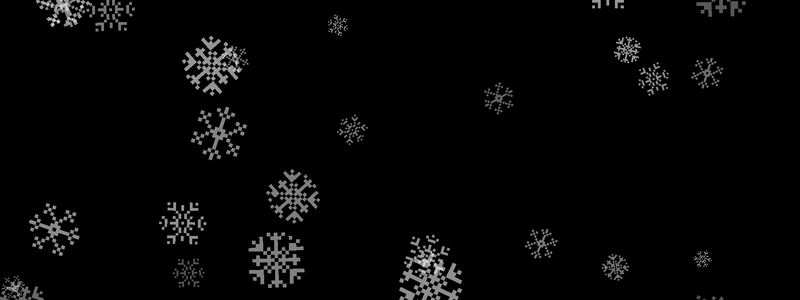
Draws textures (images) of snowflakes falling at random speeds with random rotations and sizes. To complete this example you will need to download the snowflakes image texture here. SPACE key to turn color on/off and TAB key to turn blur effect on/off. View on Github

Before you start
I am a self taught Go programmer and do it as a hobby, the code below is my own interpretation of how to do something, probably not the only way or the best way. This is intended as a resource to learn some basic Raylib and Go game dev skills. If you want to use any of the code anywhere else, feel free to do so.


Room Tiles > 2D

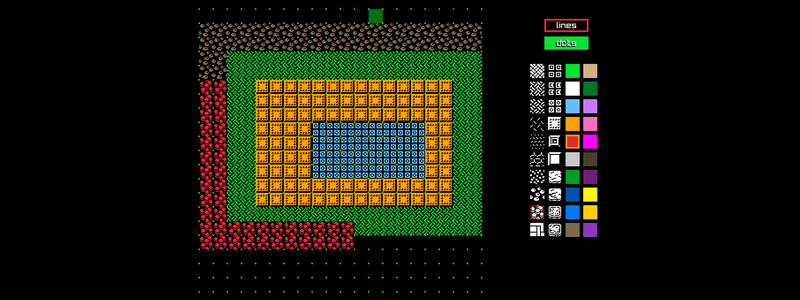
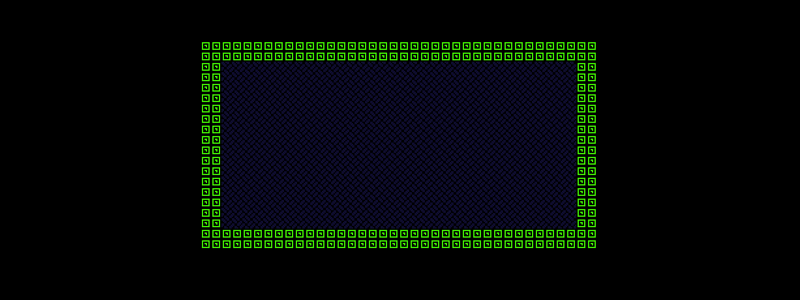
Demonstrates simple tiling of a rectangle with image texture tiles for floors and walls. The tiles can be resized in code and random colors are used for the floors and walls. To complete this example you will need to download the room tiles image texture here. UP arrow key to change zoom and SPACE key to create a new room. View on Github

Orbiting > 2D

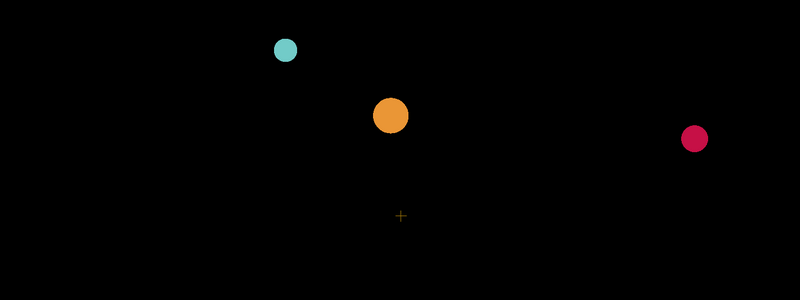
This demonstrates the use of mathematics to create circles that orbit a center point. Press space key to change direction and speed. View on Github

Before you start
I am a self taught Go programmer and do it as a hobby, the code below is my own interpretation of how to do something, probably not the only way or the best way. This is intended as a resource to learn some basic Raylib and Go game dev skills. If you want to use any of the code anywhere else, feel free to do so.


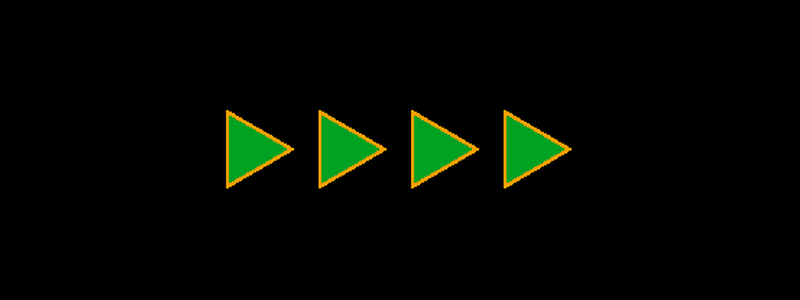
Moving Polygon Triangles > 2D

This demonstrates the use of rl.DrawPoly for creating a line of moving triangles, direction can be changed using the W A S D keys. This represents a much easier approach for drawing triangles that change direction than using rl.DrawTriangle and should be considered as the method of choice in some cases. View on Github

Before you start
I am a self taught Go programmer and do it as a hobby, the code below is my own interpretation of how to do something, probably not the only way or the best way. This is intended as a resource to learn some basic Raylib and Go game dev skills. If you want to use any of the code anywhere else, feel free to do so.


Starfield is Space Exploration Summarised

2024/11/04 - Whilst this review is, for the most part, still pretty accurate, I replayed Starfield recently following a few updates. The addition of FSR means that the graphics can now be maxxed out more easily and the vehicle for travelling on planets makes exploring much more fun. Starfield remains a good game, however not the great game that I was expecting. Definitely worth playing, even more so being basically free on Xbox Game Pass, with many hours of gameplay, though it could have been a lot better.

Easy, Quick & Cheap Pasta Sauce

Anyway, so I am someone that eats more than they should, however, I do try and eat healthily (within reason) and often I don’t have anything super quick to eat. I love pasta so this recipe is something that is cheap, simple and keeps for ages in the fridge. This makes it a good addition to any fridge if you like pasta, don’t always want to cook something and don’t want to buy takeaway. It is more economical to use fresh tomatoes where I live and they are probably the healthier option, however, if you prefer just substitute for tinned. You can also use overripe, soft tomatoes that you were planning to throw in the bin. I also use the same sauce as a homemade pizza sauce under the mozarella.

Text Center & Scroll > 2D

Demonstrates centering of text at different sizes, moving of two different texts left and right across screen as well as up. View on Github

Before you start
I am a self taught Go programmer and do it as a hobby, the code below is my own interpretation of how to do something, probably not the only way or the best way. This is intended as a resource to learn some basic Raylib and Go game dev skills. If you want to use any of the code anywhere else, feel free to do so.